

If you need your employment history in the UK – for example, to verify income, apply for a loan, or for accounting purposes – you can easily download this document through the GOV.UK government portal.
This guide will show you how to access your employment and income history via your Personal Tax Account in a few simple steps.
NOTE: You can only download your employment history for the last 5 years.
Who Can Download Their Employment History?
- Individuals working under the PAYE system (employees paying tax through their employer).
- Individuals with a Government Gateway account.
What Will You Need?
- Government Gateway login (if you don’t have an account, you can create one on GOV.UK).
- Access to your Personal Tax Account.
Below, you will find a step-by-step guide.
1. Log in to Your HMRC Account
- Go to: https://www.gov.uk/log-in-register-hmrc-online-services
- If you don’t have an account, you can create one on the same page.
- If you forgot your login details, click „Forgot user ID or password” to recover them.

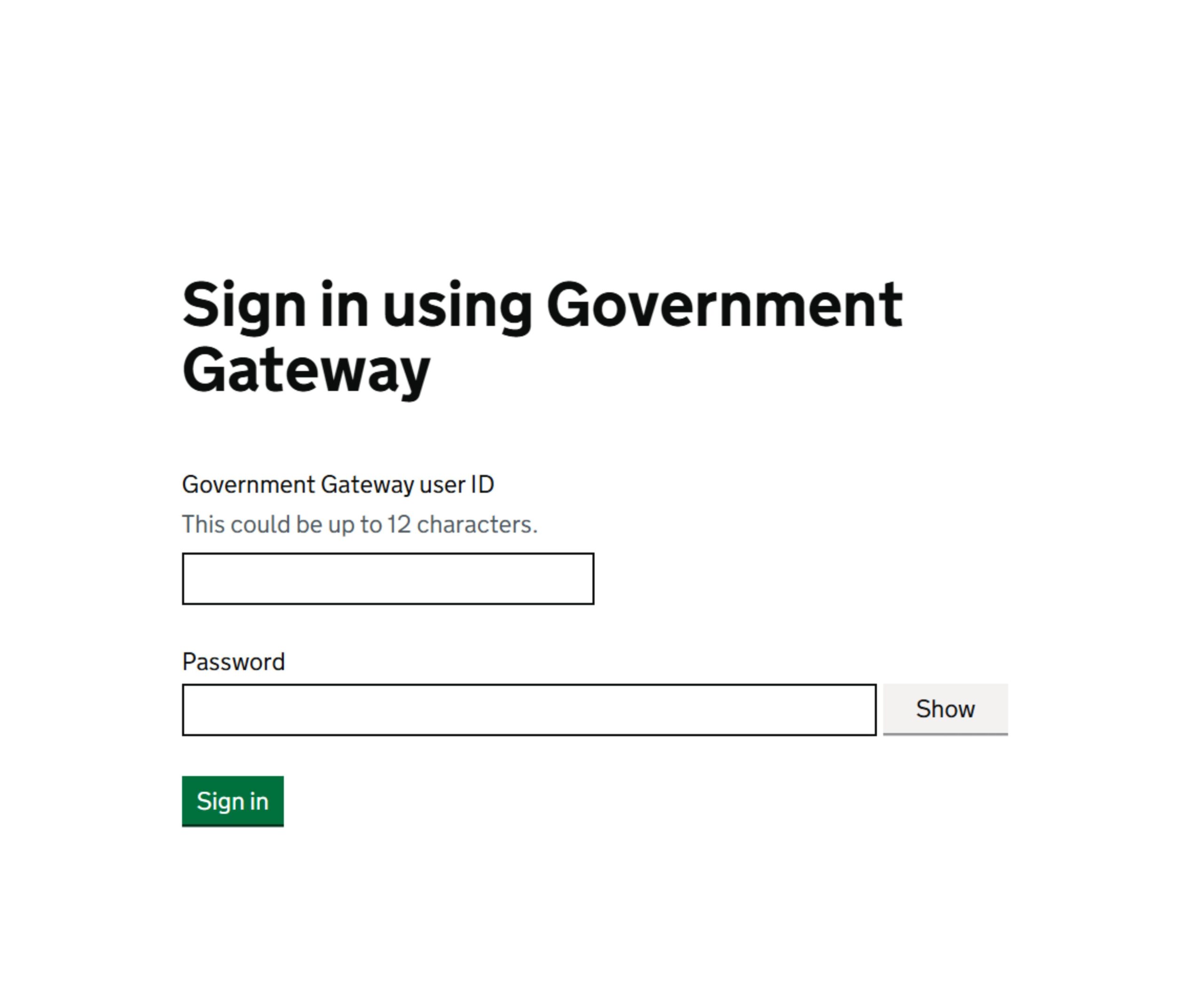
- Enter your Government Gateway user ID and password.
2. Employment History
- Click „Pay As You Earn (PAYE)”, highlighted in red.

3. Documents for Viewing or Printing
- Click „View and print Income Tax and employment history” (highlighted in red).
- After clicking this option, you should see your employment and income history

4. How to Save the Document?
- Check if all the details are correct.
If you want to download the document: - Click „Print this Page”.
- Select „Print” to save the file as a PDF for printing or emailing.

With this guide, you can download your employment history in just a few minutes! If you have any questions, contact our accounting office – we are happy to help.
Visit our website: http://lbs-online.co.uk/ or contact us directly.
Call: 0744 731 6942.
We are here to help!
